That role has become more useful as bridging and onchain lending have become routine. A wallet can show what remains at one address; a lending app can show collateral; an exchange can show a
That role has become more useful as bridging and onchain lending have become routine. A wallet can show what remains at one address; a lending app can show collateral; an exchange can show a trading balance. None automatically explains how those pieces fit together, what is liquid, or what is already committed against a loan.
- How this guide was prepared: Coindoo reviewed the products’ current official documentation on portfolio coverage, DeFi positions, account connections and data handling. This is not a security audit or a paid-plan performance test. Before connecting an account, confirm support for your exact chain, protocol and exchange.
Table of Contents
Why portfolio trackers are being used
Consider a common sequence. A user bridges USDC from Base to Arbitrum, deposits it in a lending market and receives an interest-bearing claim in return. The original wallet balance falls. The bridge has a source-chain transaction. The lending protocol shows collateral and may also show debt. A tracker is the reporting layer that can place those events beside one another.
That does not replace the primary records. The source-chain transaction shows that tokens left the sending address, while the destination-chain transaction and the bridge’s own status page establish whether the route completed. The lending protocol remains the source for its health factor, interest model and liquidation terms. A tracker gives the reader a faster map of where to look.
This is the practical next step after using a route from Coindoo’s guide to crypto bridges. Cross-chain movement creates a second question: where did the asset arrive, and what happened after it arrived?
Read the portfolio total before you trust it
A portfolio total is useful for orientation. It is a poor substitute for checking what can actually be sold, withdrawn or used without changing another position. The first screen to inspect is the breakdown, not the headline number.
Liquid balanceTokens available to send, swap or withdraw now, subject to network fees and market liquidity.
Locked or deposited valueStaked assets, LP positions and lending collateral that may require another action to exit.
Debt and estimatesBorrowed assets and market-value estimates that can change quickly, especially for illiquid tokens.
Two errors are especially common after bridging. First, a dashboard can briefly display the source-chain balance and the destination representation at the same time, overstating the total. Second, a wrapped or bridged token can carry a price that does not reflect the depth available to exit a large position. If funds do not arrive as expected, check the bridge status and the destination-chain explorer before treating a dashboard figure as final.
Borrowers face a separate issue. Collateral contributes to net worth, but it is not spare cash when it secures debt. The health factor and liquidation threshold inside the lending protocol carry more weight than a portfolio tracker’s combined dollar figure.
There are three useful questions before comparing product names. Do you need exchange balances alongside self-custody wallets? Is the hard part understanding DeFi positions and debt? Or do you need a durable record for privacy, tax work or both?
Those questions matter more than a claimed chain count. A tool that finds every relevant position on the chains you use is more useful than a dashboard with a long support page and one missing lending protocol. Before connecting anything, search the provider’s live integrations for your exchange, wallet and protocol. That single check prevents most disappointing results.
For wallets, exchanges and DeFi in one view: CoinStats
CoinStats is aimed at users with a mixed portfolio rather than a purely onchain one. Its official portfolio materials describe hundreds of wallet and exchange connections, broad blockchain coverage and support for thousands of DeFi protocols. That makes it a sensible first candidate when Bitcoin in self-custody, exchange balances and onchain positions all need to appear in the same account view.
The important benefit is not a large integration count on its own. It is the ability to compare the liquid balance on an exchange with assets held elsewhere, while keeping the totals in one dashboard. That can save time for a reader who would otherwise open several apps just to understand allocation.
It can also serve as a quick operating screen: see whether a move in portfolio value came from an exchange balance, a wallet or a supported DeFi position before opening the underlying account. That is particularly useful for people who use a centralised exchange for trading but keep longer-term assets in self-custody. It is still an overview, not a replacement for an exchange statement, a block explorer or a complete tax record.
There is one practical limit: the company’s published coverage figures differ across product pages, and no aggregator discovers every new protocol immediately. Search the integration list for the chains and protocols that make up most of your portfolio. A missing position can change the usefulness of the dashboard more than any headline feature.
- Click “Get Started.” Open CoinStats and select the orange Get Started button in the top-right corner.
- Complete the sign-up prompts. Enter the details requested by CoinStats and choose your preferred account-access method.
- Open your portfolio dashboard. After the account is created, add a wallet address or connect a supported exchange to begin tracking your holdings.
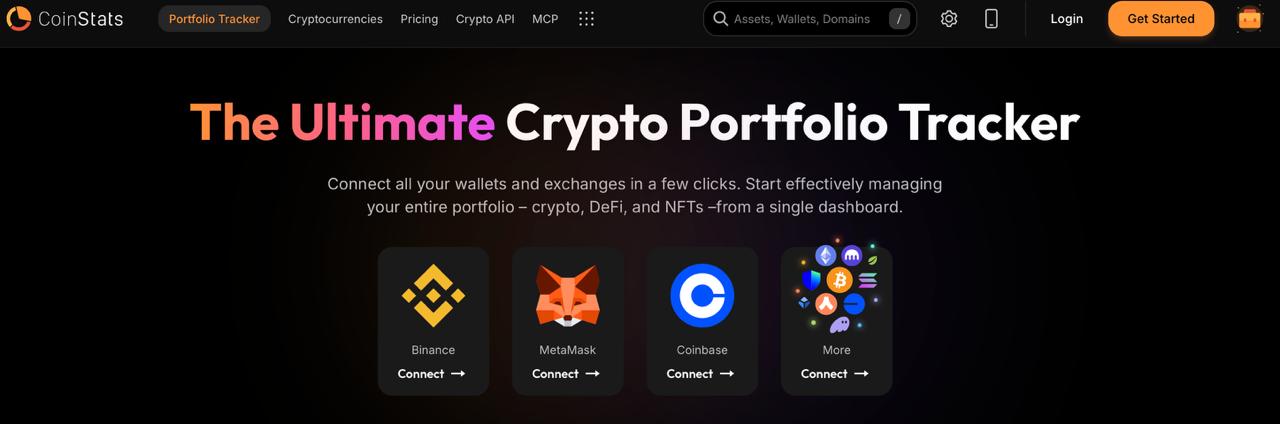
CoinStats crypto portfolio tracking platform interface
For active DeFi: decide how broad the onchain view needs to be
DeFi users need more than token balances. A dashboard should distinguish a stablecoin in a wallet from the same stablecoin used as collateral, a liquidity-pool claim, a borrowing position or an unclaimed reward. That is where Zerion and DeBank serve different versions of the same reader problem.
ZerionA multi-chain DeFi view for readers who need to find staked assets, LPs, debt and rewards across a wider set of supported networks.
DeBankA focused EVM dashboard for readers whose activity is concentrated on Ethereum-compatible networks and protocol positions.
Zerion for a wider DeFi map
Zerion says it covers 66 chains and more than 4,500 protocols, scanning for lending, LP, staking, debt and reward data. It also presents wallet balances, transaction history and token performance in the same interface. That reach matters when a user has moved between EVM networks and other supported ecosystems and wants their positions shown together.
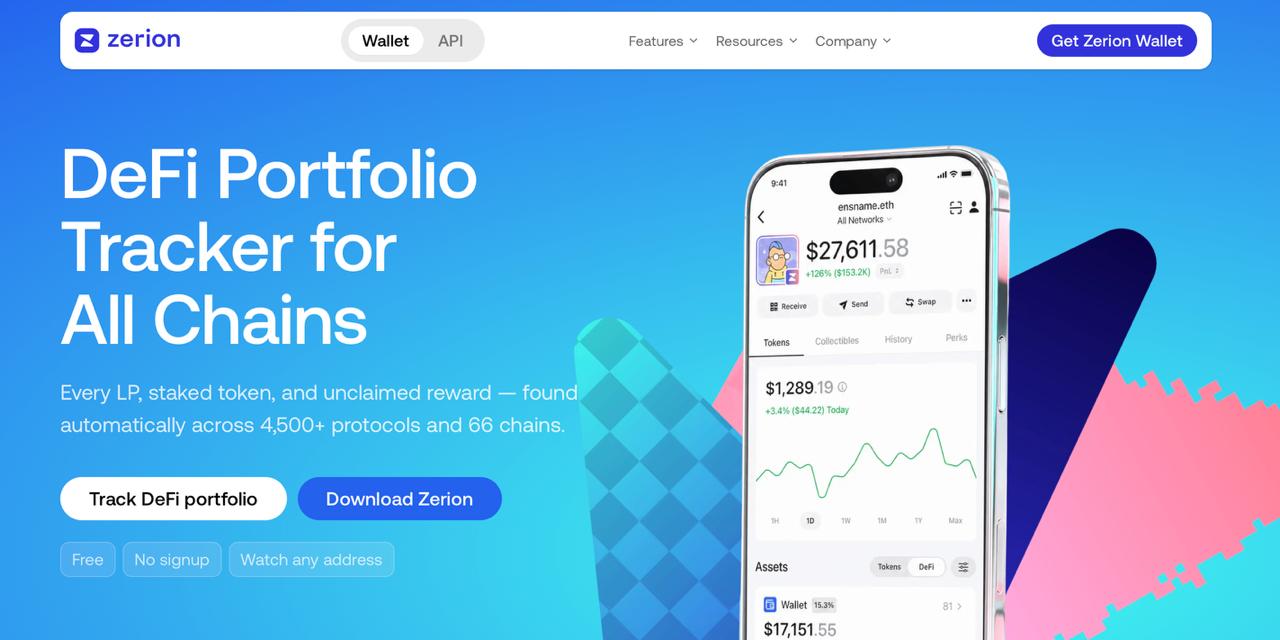
Zerion decentralized finance portfolio tracking platform.
It is also a self-custody wallet product. Readers who only need monitoring should use a public-address or watch-only route where available, rather than creating a new active wallet merely to view balances. Check its protocol coverage first, particularly for newer vaults: an undiscovered position can make a portfolio appear smaller than it is.
- Open Zerion’s portfolio tracker. Click Track DeFi portfolio on the homepage.
- Enter a public wallet address or ENS name. Zerion can display an address’s assets and DeFi positions without requiring a sign-up.
- Review the portfolio across supported chains. The tracker collects token balances, LP positions, staked assets and unclaimed rewards in one view.
DeBank for an EVM-first workflow
DeBank positions itself around Ethereum and EVM networks. It is useful for an address-level inspection: token balances, protocol positions and activity appear in the context of the same EVM wallet rather than being merged into a broad cross-platform account. That focus suits readers who mainly use Ethereum, Base, Arbitrum, Optimism, BNB Chain and similar networks.
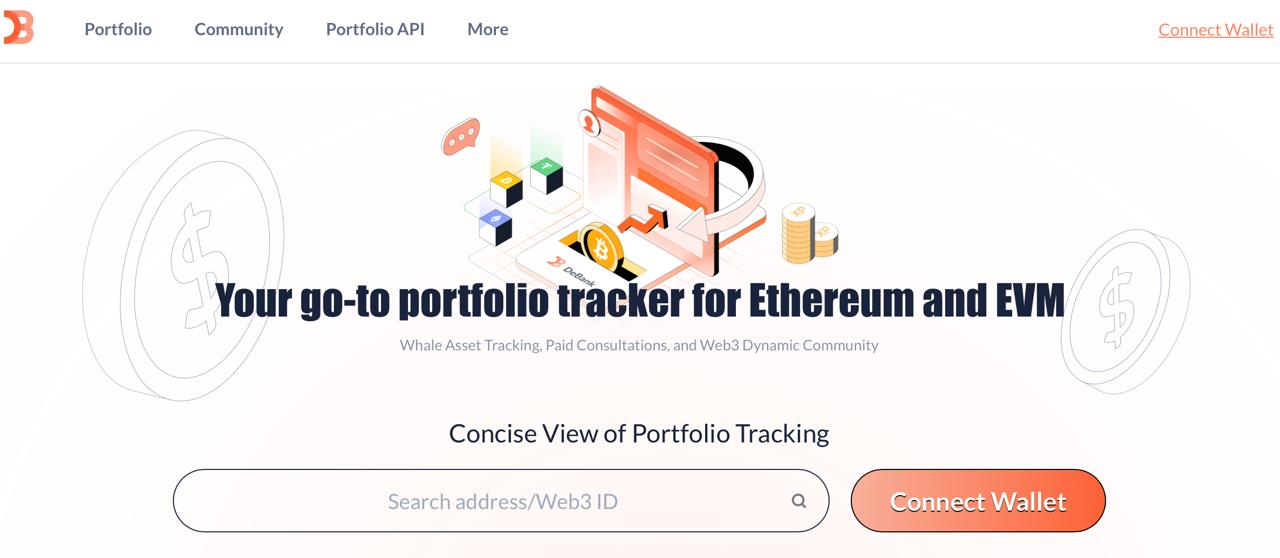
DeBank Web3 portfolio and
whale asset tracking interface.
Its limitation follows from the same design choice. DeBank is a dedicated EVM view, so readers who also want exchange accounts, Bitcoin, Solana or a full non-EVM portfolio will need another source of data. That is a reason to pair tools when necessary, not a reason to treat an EVM dashboard as a complete balance sheet.
The distinction becomes important for yield positions. A deposit can leave the wallet while remaining economically active in a protocol.Our yield-farming guide explains the underlying strategies; a tracker helps the user see their resulting exposure and obligations in one place.
- Open DeBank’s Portfolio page. Use the search field in the middle of the page or select Connect Wallet.
- Paste a public EVM wallet address or Web3 ID. DeBank can show a portfolio without creating a separate account or giving it control of your assets.
- Review the wallet’s onchain positions. The dashboard groups supported token balances, DeFi holdings, transaction activity and protocol exposure in one portfolio view.
For private data control or transaction records: rotki and CoinTracker
Some readers do not need another live dashboard. They need a reliable record of transactions, cost basis and portfolio history. rotki and CoinTracker address that job from different directions.
rotki runs locally on the user’s computer and says it stores data in an encrypted local database. Its documentation describes read-only exchange connections and DeFi event decoding for swaps, liquidity positions, staking and rewards. It currently lists Ethereum, Arbitrum, Base, Optimism, Polygon, Gnosis, BNB Chain and Avalanche among its supported EVM networks, alongside Bitcoin, Solana, Polkadot and Kusama.
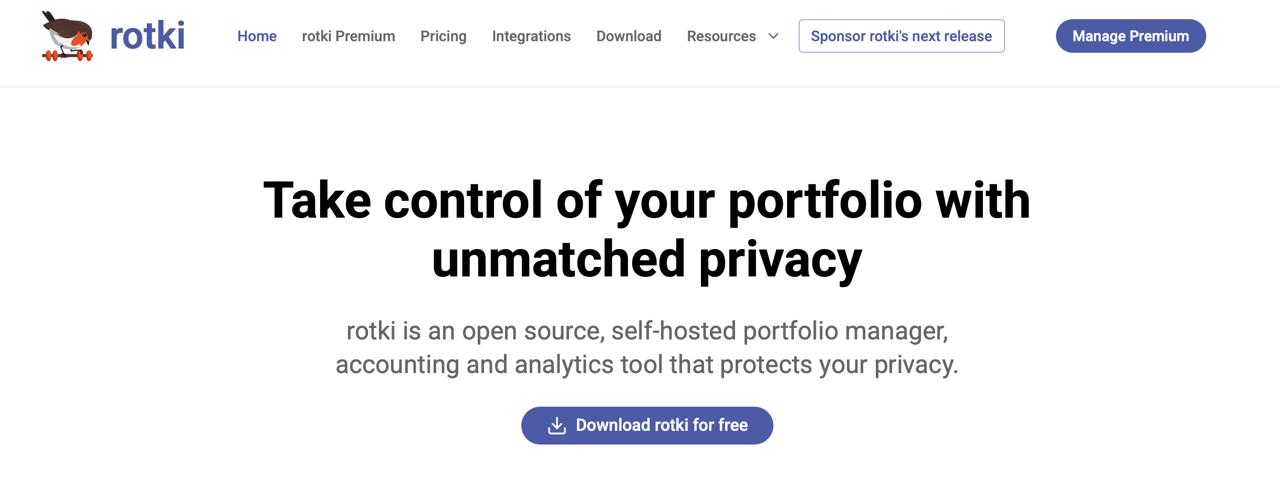
Rotki privacy-focused portfolio and accounting dashboard interface.
The local model is the point of difference. rotki lets users choose the RPC endpoints or data providers used to read their chains, instead of placing all portfolio queries and transaction history inside a standard cloud dashboard. The trade-off is setup: users may need to configure those endpoints and correct an event manually when a protocol action is not fully recognized.
- Download and install the rotki desktop app. Create a local account and set a strong password. Rotki derives the encryption key for its local database from that password.
- Add exchanges with read-only API keys. Disable withdrawal permissions before connecting an exchange account.
- Add public wallet addresses. Rotki can then track your onchain balances, transactions and supported DeFi activity.
CoinTracker is more useful when the priority is reconciliation for reporting. It can combine supported wallet, exchange and DeFi activity, and its support materials describe categorization for liquidity pools, lending, borrowing and yield-related transactions. Its live integration directory supports public addresses, HD wallet keys and ENS names, and says only read access is needed.
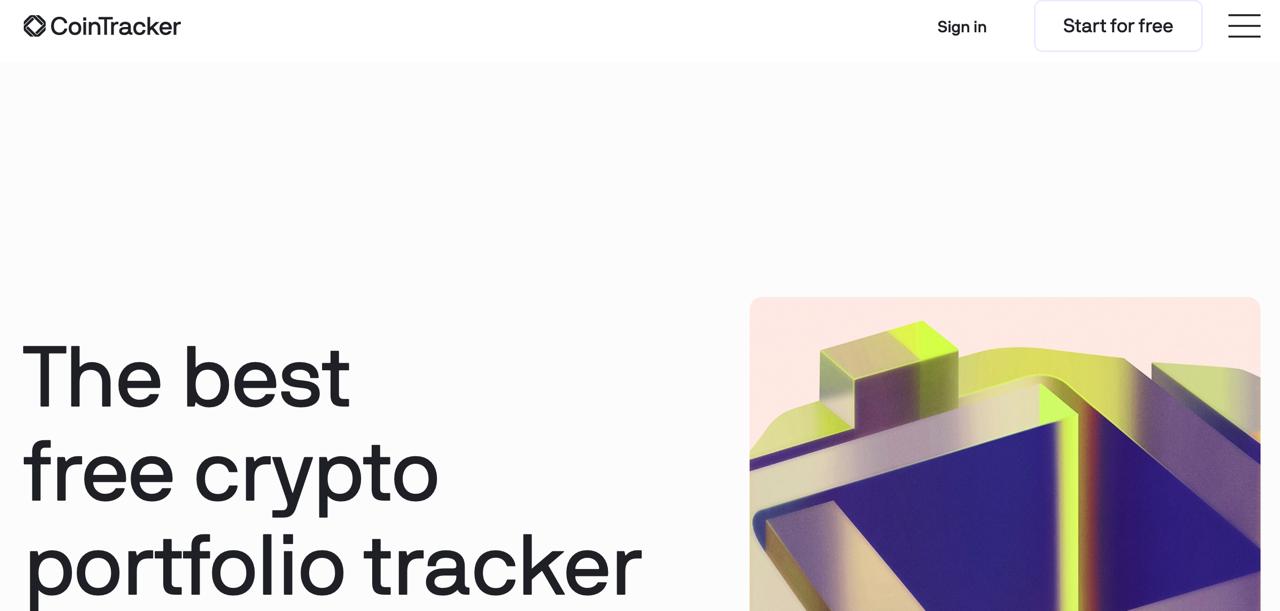
CoinTracker crypto portfolio and tax reporting platform.
One feature deserves special attention: CoinTracker distinguishes between a reported value from a connected account and a calculated value built from the imported transaction history. A mismatch can point to missing transfers, a sync issue or a manual edit. Complete history matters here. Missing a wallet or exchange can distort cost basis and realised-gain calculations even when the current portfolio balance looks plausible.
- Click “Start for free.” Open CoinTracker and select the button in the top-right corner to create an account.
- Complete the sign-up process. Choose your login method and verify the account details requested by CoinTracker.
- Add your wallets and exchange accounts. Connect supported accounts with read-only access where available, then check that balances and transaction history imported correctly.
Connect a tracker without handing it control
- Start with a public address. A tracker can read an address without receiving a seed phrase or private key.
- Add one account and check the result. Confirm the chain labels, balances and known positions before adding every wallet.
- Create a dedicated exchange API key only when needed. It should have read access only. Disable trading, transfers and withdrawals.
- Inspect every wallet prompt. Viewing a portfolio should not require a token approval or a transaction signature.
- Return to the primary record for important decisions. Use the tracker for the overview, then open the wallet, protocol or block explorer to confirm a transfer, debt position or liquidation metric.
Coindoo’s crypto wallet safety guide covers the broader custody habits behind that process. The same principle applies here: a convenient dashboard should never receive the credentials needed to move funds.
Make the choice from the gap in your portfolio
Choose CoinStats when the missing view is spread across exchanges, wallets and several types of chain. Choose Zerion when the missing view is multi-chain DeFi positions. Choose DeBank when that work is concentrated on EVM networks. Choose rotki when local data control and detailed event history come first. Choose CoinTracker when the next job is reconciling that activity for reporting.
A tracker cannot settle a bridge transaction, protect a loan from liquidation or create liquidity for an illiquid asset. It can show where the uncertainty sits. That visibility is the point: it helps users ask the right question before they act on a portfolio total.
FAQ: Crypto Portfolio Trackers
Can a portfolio tracker move my crypto?
Not if you connect it correctly. Use a public wallet address, a watch-only connection or exchange API keys with withdrawals disabled. Never enter a seed phrase to track a portfolio.
Why does my tracker show a different balance from my wallet?
Differences can come from delayed price feeds, unindexed tokens, wrapped assets, pending transactions or missing DeFi positions. Check the onchain wallet balance before acting on the tracker’s estimate.
Can a tracker follow funds after I use a bridge?
Usually, but the transfer may appear as separate transactions on the source and destination chains. It can take time for the bridge transaction and the received asset to appear in the same portfolio view.
Can one tracker cover exchanges, wallets and DeFi?
Some can, but coverage varies. CoinStats and CoinTracker are useful for mixed exchange-and-wallet portfolios, while Zerion and DeBank are more focused on onchain activity. Check support for your exchange, blockchain and wallet before subscribing.
Are portfolio trackers suitable for tax reporting?
They can help organize transaction history, but a portfolio total is not automatically a tax calculation. You still need complete records for trades, swaps, staking rewards, bridges and transfers, then apply the tax rules that apply where you live.
This article is provided for informational purposes only and does not constitute financial, investment, tax or legal advice. Product coverage, pricing, permissions and integrations can change. Verify a platform’s current documentation before connecting a wallet or exchange account.
The post Best Crypto Portfolio Trackers in 2026: Wallets, DeFi & Bridges appeared first on Coindoo.