BitcoinWorld Google Images gets a Pinterest-like redesign focused on discovery, adds AI image generation in Search Google is rolling out a significant redesign of Google Images that transform
BitcoinWorld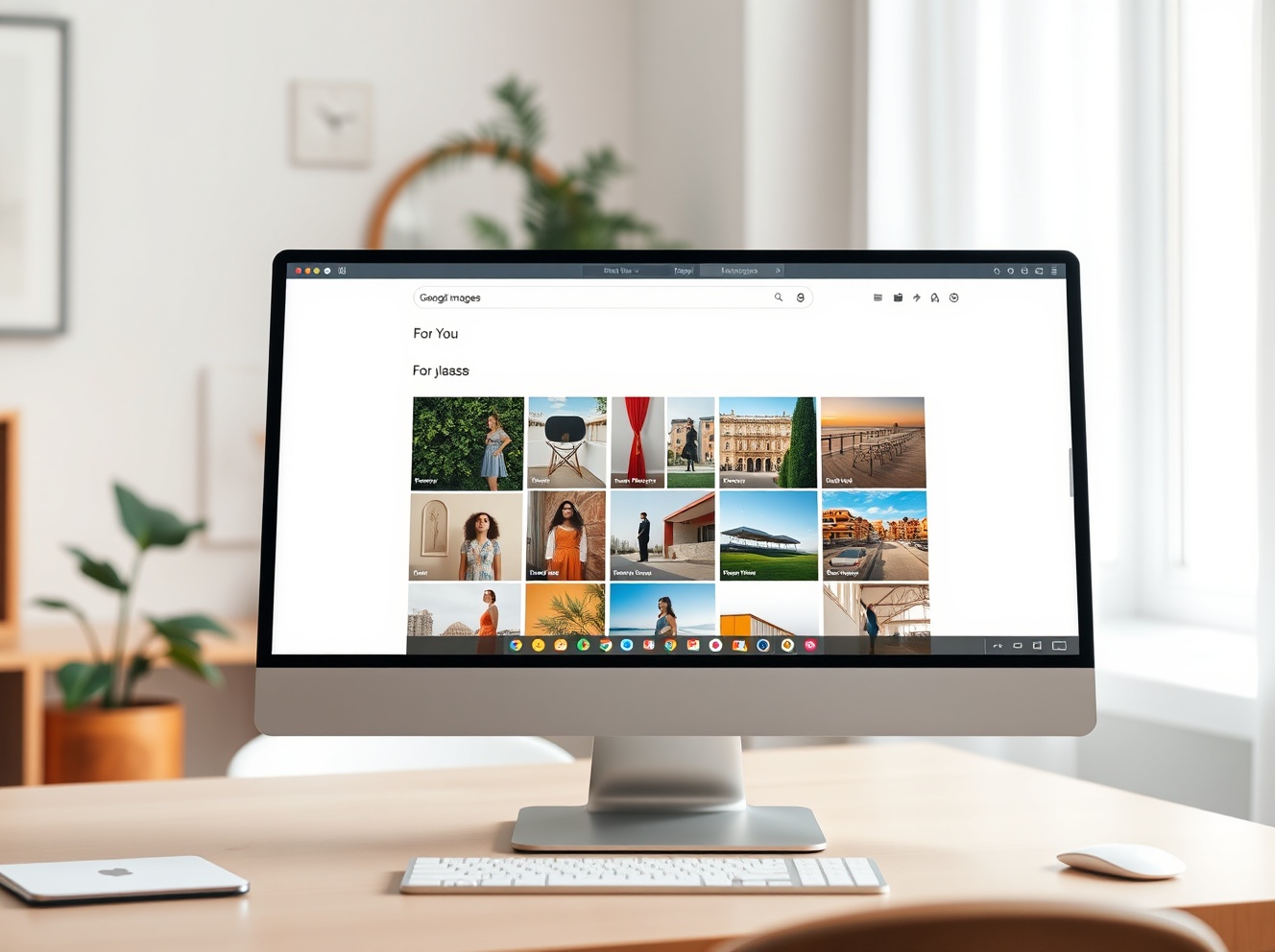 Google Images gets a Pinterest-like redesign focused on discovery, adds AI image generation in Search
Google is rolling out a significant redesign of Google Images that transforms the image search engine into a browsable, discovery-focused gallery similar to Pinterest, the company announced as it marks 25 years since the debut of Google Images. The update, which begins rolling out on desktop in the U.S. over the coming weeks, also introduces the ability to generate AI images directly within AI Overviews in Search, allowing users to create custom visuals when existing images do not meet their needs.
How the redesigned Google Images works
The new Google Images interface features a “For You” gallery that displays a personalized feed of images tailored to each user’s interests and browsing history. Google says the gallery updates in real time with fresh images, encouraging continuous browsing. Users can save images to “collections,” which appear as tabs above the main gallery. For example, users can create collections for vacation outfit ideas, travel inspiration, or ways to design a reading nook, and return to them later. The redesign requires users to be signed into a Google Account to access it, and it is initially available only on desktop in the U.S. in English.
AI image generation in Search
Google is also bringing image generation directly into AI Overviews on Search, using its latest Nano Banana model to convert text prompts into custom visuals. The feature is designed for moments when users have a highly specific idea for an image that does not already exist online. It can also help users reimagine spaces and visualize ideas, such as seeing what a room might look like painted red or what a dorm room with a coastal theme could look like. Image generation in AI Overviews will begin rolling out over the coming weeks in English for all regions that currently support image creation in AI Mode, according to Google.
Why this matters for users and advertisers
Pinterest has long been the dominant platform for visual discovery and inspiration, from fashion to home decor. By adopting a similar design, Google is positioning Google Images not just as a search tool but as a destination for exploration and inspiration. This shift could increase users’ time spent on Google platforms, potentially boosting ad revenue. Additionally, by offering AI image generation within Search, Google aims to keep users within its ecosystem when they need to visualize something that does not yet exist, rather than turning to third-party services like ChatGPT or dedicated AI image generators.
Conclusion
The redesign of Google Images and the addition of AI image generation in Search represent a strategic move by Google to compete with platforms like Pinterest and standalone AI tools. The changes prioritize discovery and user engagement over traditional search functionality, potentially reshaping how users interact with visual content on the web. The rollout begins in the U.S. on desktop over the coming weeks, with broader availability expected later.
FAQs
Q1: When will the redesigned Google Images be available?The redesign is rolling out over the coming weeks on desktop in the U.S. in English. Users need to be signed into a Google Account to access it.
Q2: How does the new AI image generation feature work?Users can generate images directly within AI Overviews in Search by typing a text prompt. Google’s Nano Banana model transforms the prompt into a custom visual. The feature is rolling out in English for regions that already support AI Mode.
Q3: Can I save images in the redesigned Google Images?Yes, users can save images to collections, which appear as tabs above the main gallery. Collections can be organized by themes like travel inspiration or home decor ideas.
This post Google Images gets a Pinterest-like redesign focused on discovery, adds AI image generation in Search first appeared on BitcoinWorld.