BitcoinWorld Google is now training its AI on your photos and voice recordings. Here’s how to stop it. Google has quietly expanded the scope of data it uses to train its artificial intelligen
BitcoinWorld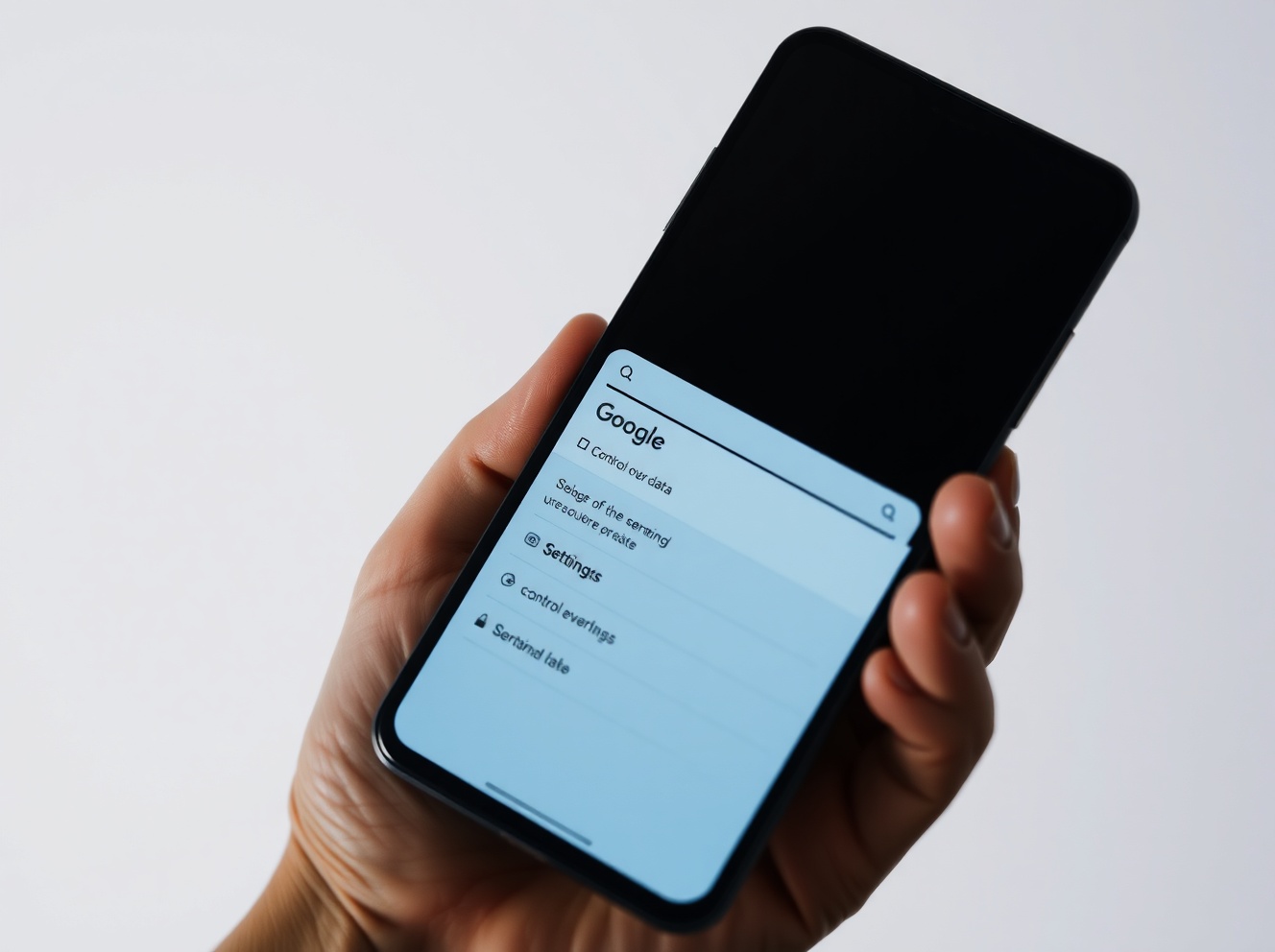 Google is now training its AI on your photos and voice recordings. Here’s how to stop it.
Google has quietly expanded the scope of data it uses to train its artificial intelligence models. As of a June policy update, any media you upload or generate through Google Search services — including images, audio recordings, and video files — may now be retained and used to improve AI systems, including generative AI models. The change, communicated to users via an under-the-radar email, effectively opted everyone into this expanded data collection by default.
What exactly changed
Previously, Google’s privacy settings allowed users to control how their search history was saved and used through a single setting called “Web & App Activity.” The June update split this into two distinct categories: “Web & App Activity” and a new setting called “Search Services History.” The new Search Services History setting is turned on by default. Within it, Google added a separate checkbox labeled “Save Media,” which is also enabled by default.
This means that if you use Google Lens to take a photo of a landmark, use voice search to ask a question, or record audio through Google Translate, those media files can now be stored and used for AI training. Google’s own help documentation confirms that “saved media is also used to develop and improve Google services and technologies, including AI models and safety measures.”
Which services are affected
The update applies broadly across Google’s search-related services. This includes not only the main Google Search page but also Google Maps, Google Shopping, Google Flights, Google Hotels, Google Translate, and Google News. Any interaction that generates or uploads media within these services is now subject to the new data retention policy.
For example, snapping a photo through Google Lens to identify a plant, using voice input in the Google app to search for a restaurant, or recording yourself practicing pronunciation in Google Translate — all of these actions may now result in media being saved and used for AI development.
How to opt out
Users can regain control by visiting the Search Services History settings page. On that page, you can uncheck the “Save Media” box independently from the main “Search Services History” box. You can also configure an automatic deletion schedule for saved data, with options for 3 months, 18 months, or 36 months.
It is important to note that simply adjusting your “Web & App Activity” settings will no longer affect how your Search Services History data is handled. The two are now completely separate, meaning users who previously relied on that single setting to limit data collection will need to take additional steps.
Why this matters
This shift reflects a broader industry trend. As AI models become more sophisticated, companies like Google and Meta are moving beyond scraping publicly available web data and are increasingly relying on data that users actively generate or upload while using their services. Meta, for instance, has similarly trained its AI on user images and content captured by its smart glasses.
For users, the key takeaway is that the default settings now favor broader data collection. Without proactive changes, personal media — including voice recordings and photographs — may be retained indefinitely and used to train AI systems that power products ranging from search to generative AI tools.
Conclusion
Google’s June privacy update represents a meaningful expansion of how user data is collected and applied to AI training. While the company frames the change as giving users more control over personalization and saved history, the default settings are now more permissive than before. Users who wish to limit Google’s use of their media for AI development should review and adjust their Search Services History and Save Media settings directly. As AI training data becomes an increasingly valuable resource, understanding and managing these settings is becoming an essential part of digital privacy.
FAQs
Q1: Does this change affect all Google users?Yes. The update applies to all users of Google Search services, including Maps, Shopping, Flights, Hotels, Translate, and News. The new settings are enabled by default for everyone.
Q2: Can I delete media that Google has already saved?Yes. You can visit the Search Services History page and delete individual items or clear your entire history. You can also set an automatic deletion schedule for future data.
Q3: Will opting out of media saving affect how Google Search works for me?Opting out of saving media may reduce the personalization of some Google services, such as search suggestions or recommendations, but it will not prevent Google Search from functioning. Core search features will continue to work normally.
This post Google is now training its AI on your photos and voice recordings. Here’s how to stop it. first appeared on BitcoinWorld.