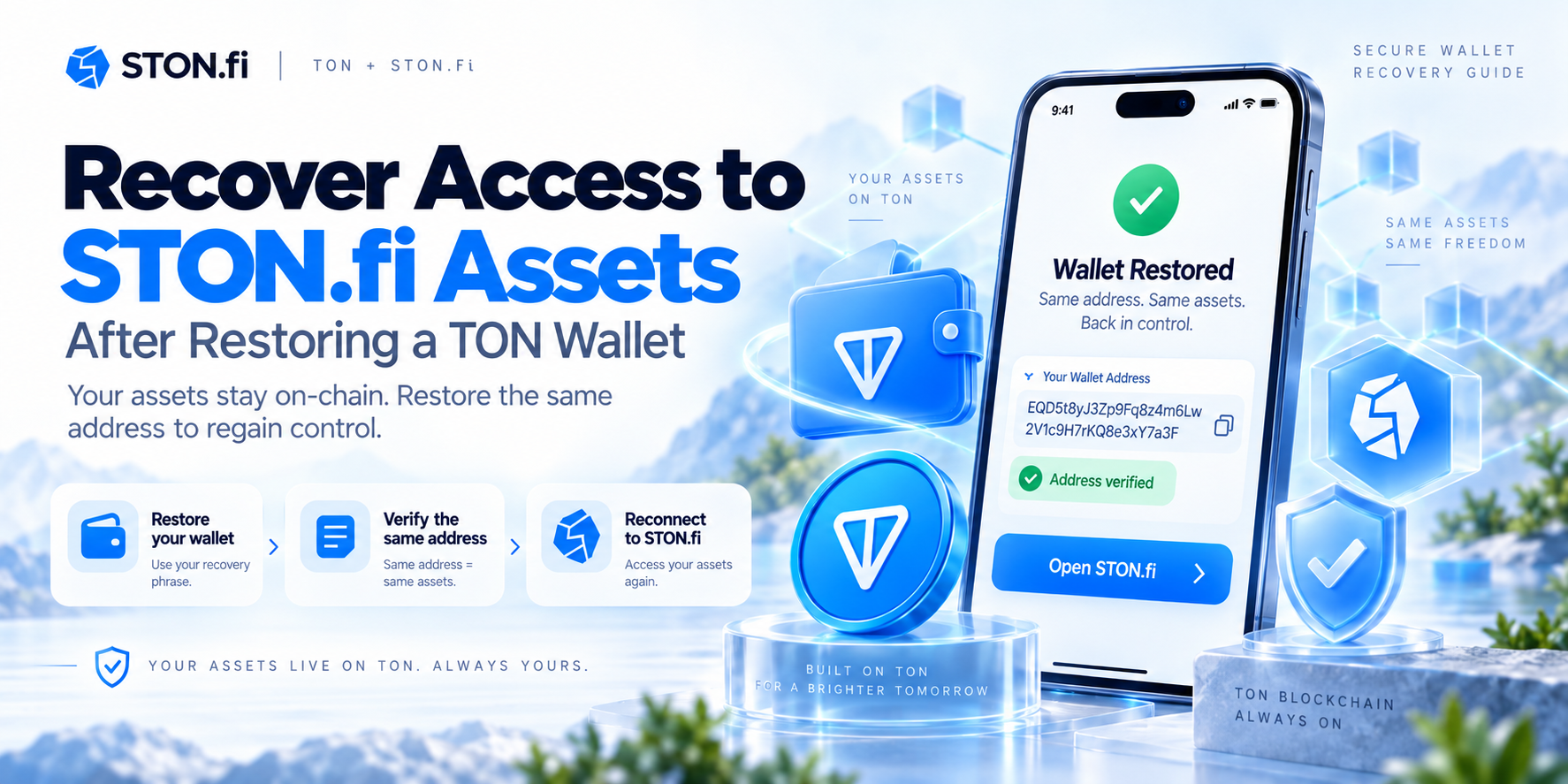
Restoring the correct TON address is the key step. Your STON.fi tokens and positions are tied to blockchain addresses, not to the phone, browser, or STON.fi session you previously used. If yo
Restoring the correct TON address is the key step. Your STON.fi tokens and positions are tied to blockchain addresses, not to the phone, browser, or STON.fi session you previously used.
If you lose a phone, reinstall your TON wallet, or move to another compatible wallet application, your STON.fi assets do not need to be "restored" from STON.fi. They remain on TON.
What you need to restore is control of the same TON wallet address that owned those assets. Once that address is available again, you can reconnect it to STON.fi and regain access to the tokens and protocol positions associated with it.
STON.fi is non-custodial. It does not keep your recovery phrase or hold your tokens on your behalf, so it cannot reset a wallet or recover lost keys. STON.fi explicitly states that wallet recovery depends on the wallet's own backup method and that restoring access restores control of assets that remain on the blockchain.
What actually happens when you restore a TON wallet

A wallet application is an interface for controlling a TON wallet contract. Losing that interface does not automatically change the blockchain state.
Suppose you used a TON wallet to swap tokens and provide liquidity through STON.fi. You later lose the device containing the wallet application. Your TON, jettons, LP positions, and other on-chain records do not disappear because the app is gone.
The critical item is the cryptographic material used to control the wallet.
A TON mnemonic can be used to derive a key pair. The private key signs transactions, while the corresponding public key participates in the wallet contract's ownership logic.
After restoration, you want to reach the same on-chain wallet address that you used before the device was lost.
That distinction is important because STON.fi does not identify you by an email account or conventional username. Its systems can query information associated with a wallet address, including assets, liquidity positions, farm positions, and staking positions.
A useful way to think about recovery is:
What was lostWhat still existsWallet application installationTON wallet account on-chainLocal STON.fi connectionTokens owned by the addressBrowser sessionLP positions associated with the addressApp display of farm positionsOn-chain farm position dataLocal transaction history displayBlockchain transaction history
Your job is therefore not to recreate the STON.fi activity. It is to restore control of the address that already participated in it.
The original wallet address is your most important checkpoint

Restoring a mnemonic and seeing a wallet appear is encouraging, but it is not sufficient proof that you restored the correct TON account.
TON wallet addresses depend on more than the mnemonic alone.
TON documentation explains that the wallet address is derived from its StateInit, which includes a public key derived from the mnemonic plus wallet configuration such as the wallet_id. Wallet contract versions can also differ. For example, V4R2 and V5 use different wallet ID schemes.
Multiple wallet contracts can even use the same public key while having different subwallet identifiers and therefore different addresses. Funds are not shared between those addresses.
So after importing your recovery phrase, compare the restored address with the address you actually used on STON.fi.
Good reference points include:
- a previous TON explorer transaction
- an address you previously copied from the wallet
- a withdrawal record from an exchange
- a transaction where you interacted with STON.fi
- another wallet or service that previously sent funds to you
Do not rely only on the wallet name or account label.
There is one extra detail that can cause unnecessary confusion. TON addresses can appear in different user-friendly formats. A bounceable address beginning with EQ... and a non-bounceable address beginning with UQ... can represent the same underlying raw blockchain address. TON documentation describes these as different encodings of the same internal address.
Compare the underlying account, not merely the first few characters.
A practical recovery sequence

If you still possess the legitimate recovery phrase or other recovery method for the original wallet, the process should be straightforward.
1. Restore the wallet through a trusted wallet application
Install or open the wallet software you intend to use and choose its existing-wallet or recovery option.
Enter the recovery phrase only into a wallet application you have verified. Do not enter it into STON.fi, a blockchain explorer, a support chat, a Google form, or a website claiming that it needs to "synchronize" your STON.fi positions.
STON.fi does not need your recovery phrase because TON Connect allows decentralized applications to interact with your wallet without receiving your private keys. The dApp receives wallet account information and can request transactions, while signing remains under wallet control.
2. Verify the restored TON address
Before doing anything with STON.fi, compare the address with your historical address.
This is the most important check in the entire process.
If the address differs, do not assume your assets disappeared. Investigate whether the previous wallet used another wallet contract version, account, subwallet, or recovery configuration.
TON officially documents both V4R2 and V5 wallet configurations, and different configuration parameters can produce different addresses from related key material.
3. Check the wallet on-chain
Once the address matches, inspect its TON and jetton balances.
Jettons on TON use individual Jetton wallet contracts. Each holder has a corresponding Jetton wallet for a particular Jetton, and that contract records the token balance and owner address.
This matters because a newly installed wallet interface may not immediately display every asset in the way your previous application did. The blockchain state is the stronger reference.
4. Reconnect the restored wallet to STON.fi
Open the official STON.fi interface and connect the restored wallet through the supported wallet connection flow.
The connection itself does not move assets. TON Connect exposes the selected account to the dApp so STON.fi can work with that address and request transactions when you choose to perform an operation.
Make sure the address displayed by the connected session matches the address you just verified.
5. Check each type of STON.fi position
Do not stop after checking the basic token balance.
STON.fi's API includes wallet-specific methods for retrieving:
- assets
- liquidity positions
- farm positions
- staking positions
These queries use the wallet address.
If you previously used more than simple swaps, inspect the corresponding sections of STON.fi after reconnecting.
6. Test control before making a large transaction
Once everything appears correctly, you can confirm that the restored wallet can authorize normal transactions.
There is generally no need to move assets simply because you restored the wallet. If the recovery phrase itself has remained private, the restoration only gives a new application or device the ability to control the same on-chain account.
If you believe the recovery phrase may have been exposed to somebody else, the situation is different. In that case, the safer objective is to move assets to a newly created wallet whose recovery material has never been compromised.
Why some STON.fi assets may look missing

A successful wallet restoration can still produce an alarming first impression.
You may see the correct TON balance while another token, liquidity position, or farm appears absent. That does not automatically prove that the asset is gone.
You restored a different address
This is the first thing to check.
A different wallet version or account configuration can result in a different address. If STON.fi sees another address, it will naturally display data for that address instead of your previous one.
The wallet application is not displaying a jetton
Wallet applications decide how they present token lists. A particular jetton may not appear immediately in the default interface even though the relevant Jetton wallet contract still contains the balance.
TON's wallet tooling can retrieve jettons associated with a wallet address, and individual balances can also be queried from Jetton contracts.
Verify the asset on-chain before assuming it has been lost.
You are looking for liquidity as ordinary tokens
Providing liquidity changes the form of your position.
STON.fi liquidity provision results in LP tokens representing participation in a pool. STON.fi documentation uses the wallet address to retrieve the user's LP token wallet and balance when constructing liquidity withdrawal operations.
The underlying tokens are therefore not expected to remain as the same idle token balances in your wallet while they are providing liquidity.
Your LP tokens were staked in a farm
Farming adds another layer.
STON.fi farming starts with LP tokens, which are deposited into a farming pool to earn additional rewards. The protocol uses NFT-based position tracking for farming.
If you had farmed LP tokens, simply looking for freely held LP tokens in the wallet can give the wrong impression. Check the farm position connected with the restored address.
Recovering different kinds of STON.fi exposure

The phrase "STON.fi assets" can describe several different things, and each one should be checked in the appropriate place.
Tokens received from swaps. These are normal TON assets associated with your wallet. Jetton balances are recorded through Jetton wallet contracts linked to the owner address. Once you regain control of that owner wallet, you regain the ability to authorize transfers involving those assets.
Liquidity positions. Providing liquidity produces LP exposure. STON.fi can query wallet liquidity positions by address, and its liquidity withdrawal flow works with the LP token wallet belonging to the user address.
Farm positions. If LP tokens were staked, STON.fi's farming system tracks positions through Farm NFTs. Claims and unstaking operations are performed against the corresponding farm position.
Staking positions. Where you previously used STON.fi staking, STON.fi also exposes wallet-specific staking position data through its API.
The common element is the address. Restoring the correct address reconnects you with the on-chain identity that those positions reference.
What STON.fi can and cannot recover
STON.fi can help its interface recognize and interact with an address you control. It cannot recreate control of an address whose secret key material has been lost.
That follows directly from the protocol's non-custodial design.
STON.fi states that it cannot recover a wallet or its tokens for you and directs users to their wallet provider's recovery methods. It also emphasizes that tokens remain on the blockchain while wallet recovery restores access.
This creates three very different situations:
- Lost device, recovery phrase available: normally recoverable by restoring the correct wallet configuration.
- Wallet restored, wrong address appears: potentially a wallet version, subwallet, network, or configuration mismatch that should be investigated.
- Recovery phrase and private key permanently lost: STON.fi cannot override the wallet contract and restore control.
No legitimate STON.fi administrator needs your seed phrase to fix any of these cases.
A final check before using the restored wallet

Before making another STON.fi swap or changing a liquidity position, verify four things:
- The restored wallet address matches your historical address.
- The wallet is operating on TON mainnet if that is where your assets were held.
- Your token and protocol positions are consistent with on-chain records.
- STON.fi is connected to that same verified address.
If those points match, you have not created a replacement STON.fi account. You have simply restored control of the blockchain identity that was already using STON.fi.
Frequently Asked Questions
Does restoring my TON wallet automatically restore my STON.fi assets?
You do not restore the assets themselves. They remain on TON. What you restore is the ability to control the wallet address associated with them. After the correct wallet is restored and connected to STON.fi, the interface can again identify the assets and positions belonging to that address.
Why did my recovery phrase generate a different TON address?
TON addresses depend on wallet contract configuration as well as key material. Wallet version, wallet ID, network, workchain, and subwallet parameters can affect the resulting address. Check which wallet type your previous application used before assuming the recovery phrase is incorrect.
Are EQ and UQ addresses different wallets?
Not necessarily. TON supports bounceable and non-bounceable user-friendly representations of the same underlying raw address. The prefixes can therefore differ even when both strings refer to the same account. Use a TON address conversion or explorer tool if you need to compare their underlying raw forms.
Can STON.fi recover my seed phrase?
No. STON.fi is non-custodial and does not possess the recovery information needed to take control of your wallet. Its own guidance says wallet recovery depends on the backup methods provided by your wallet and that STON.fi cannot recover the wallet or tokens for you.
Why can I see TON but not one of my jettons after restoring?
A wallet application's token display is not the same thing as the underlying blockchain balance. TON jettons use separate Jetton wallet contracts associated with their owners. A missing UI entry should therefore be checked against the wallet address and the relevant Jetton contract before concluding that the tokens are gone.
Will my STON.fi liquidity and farming positions survive a wallet restoration?
Yes, provided you restore control of the same address and the positions themselves have not previously been withdrawn or transferred. STON.fi queries liquidity and farm positions by wallet address, while farming uses NFT-based position tracking. Reinstalling a wallet application does not by itself remove those on-chain positions.
What should I verify before reconnecting a restored wallet to STON.fi?
First compare the restored address with the address from your previous STON.fi transactions. Then check its on-chain balances and positions. Only after the address matches should you connect it to the official STON.fi interface. Never provide a recovery phrase to STON.fi or to anyone claiming that the phrase is required to restore protocol positions.
Sources and Further Reading
- STON.fi - Official STON.fi website and wallet-loss guidance explaining non-custodial recovery and the role of wallet backups
- STON.fi DEX API Reference - Wallet-specific endpoints for assets, liquidity positions, farms, and staking positions
- STON.fi DEX Documentation - Overview of the protocol's non-custodial DEX architecture and liquidity functionality
- STON.fi Farm - Explanation of LP staking, rewards, and NFT-based farming positions
- TON Docs, How to interact with wallets - Explanation of mnemonic-derived keys, wallet IDs, wallet versions, and address derivation
- TON Docs, Internal address formats - Explanation of raw, bounceable, non-bounceable, mainnet, and testnet address representations
- TON Docs, Work with Jettons - Explanation of Jetton balances and individual Jetton wallet contracts associated with wallet holders
- TON Docs, TON Connect overview - Explanation of how dApps connect to wallet addresses and request transactions without receiving private keys