Today's guide isn't a long one, but it's incredibly practical. Have you ever run into a situation where you just couldn't receive your verification code? I'm sure if you've experienced it, yo
A
AnonymousCryptoCompass newsroom
July 3, 2026
2 min read
NEWS
Hero article visual / chart / editorial image
CryptoCompass editorial visual for guides coverage.
Today's guide isn't a long one, but it's incredibly practical. Have you ever run into a situation where you just couldn't receive your verification code?
I'm sure if you've experienced it, you know how frustrating—and stressful—it can be.
Don't worry. The next time your verification code doesn't arrive, just come back to this guide. Follow the troubleshooting steps, figure out the issue yourself, and fix it on your own. I think you'll find it pretty satisfying once you do.
What should I do if I don’t receive a verification code or other notifications?
Not Receiving SMS Verification Code
Restart Your Phone: This can help refresh your network connection and resolve temporary issues.
Clear Your Inbox: Make sure your phone's inbox is not full. Delete old or unnecessary messages to free up space.
Check for Filters: Look for any apps or settings on your phone that might filter or block SMS messages.
Disable Restrictions: Ensure there are no restrictions on receiving calls or SMS messages in your phone settings.
Delete Old Messages: Remove any old messages from the same sender ID (SID) and restart your phone.
Test with Another Phone: If possible, try inserting your SIM card into another phone to determine if the issue lies with your phone or SIM card.
After performing these checks, request the verification code again after 10-15 minutes.
Note: Avoid repeatedly requesting the verification code within a short period.
Not Receiving Email Verification Code
Check Anti-Spam Filters: Make sure no anti-spam or junk mail filters on your email are blocking messages from the verification service.
Check Spam/Junk Folder: Look in the spam or junk mail folder in your email app to see if the verification email was mistakenly filtered.
Uninstall Third-Party Messaging Apps: If you are using third-party email apps, try uninstalling them temporarily and checking your default email app.
Whitelist the Email Address: Add [email protected] to your email whitelist or safe sender list to ensure emails from this address are not blocked or filtered.
Restart Your Device: After making these changes, restart your phone and try requesting the verification code again.
Note: Avoid requesting the verification code repeatedly within a short period to prevent being temporarily blocked by the provider.
Key Takeaways The 10-year Treasury yield momentarily surpassed 5% for the first time in 19 years before settling at 4.994% Traders are pricing in an 89.5% probability of a 25 basis point Fede
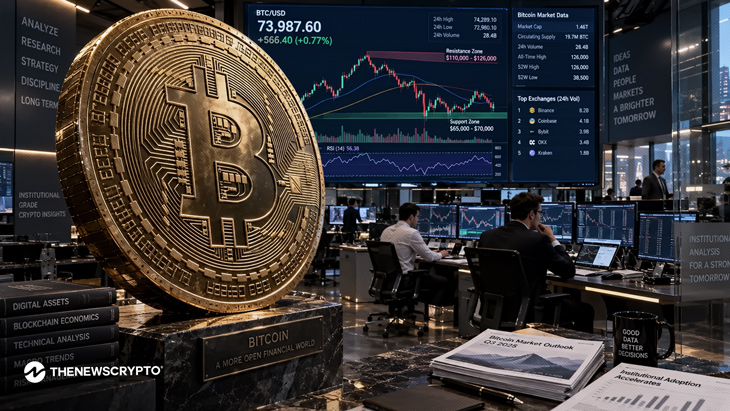
Bitcoin fell below $75K after the Senate’s CLARITY Act setback. ETF outflows and Fed uncertainty added further pressure on BTC. The largest crypto, Bitcoin, is trading around $75,700 on Wedne
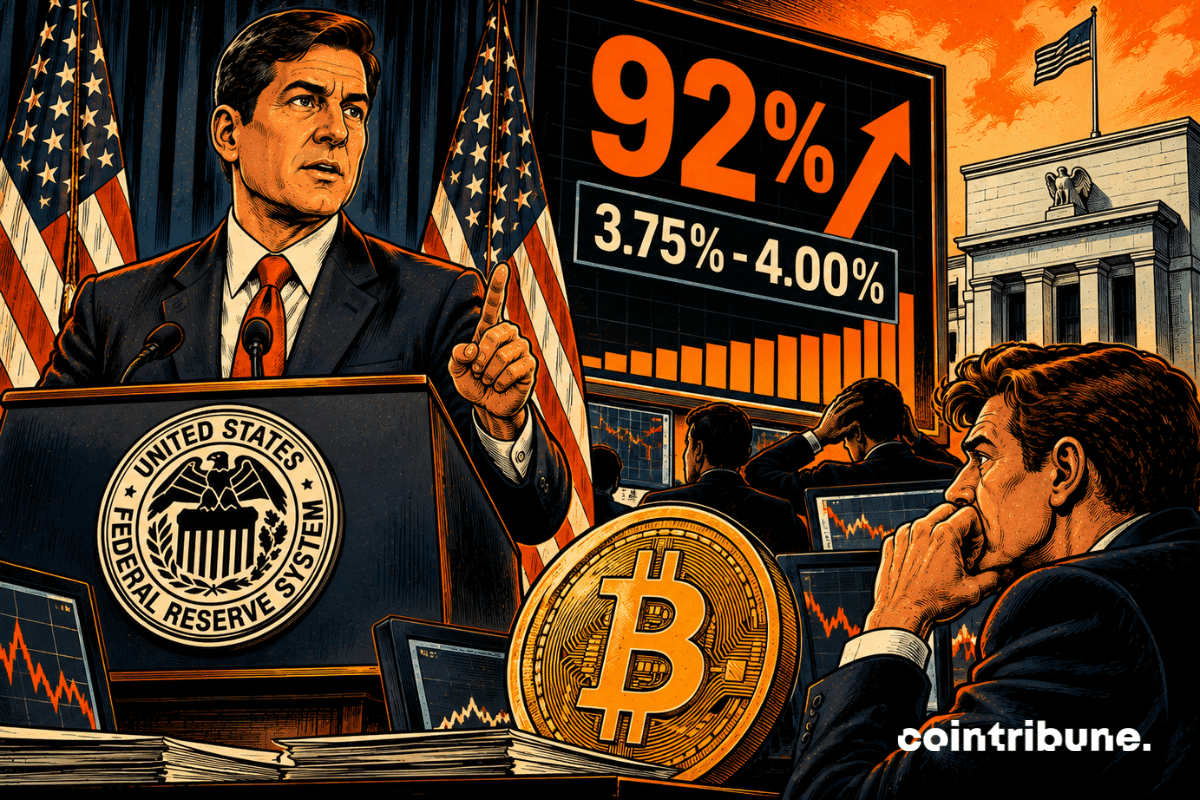
A few hours before the decision, the market has almost already checked the “hike” box. The contracts tracked by CME FedWatch give a 92.3% chance of a 25 basis point increase. The FED would th

@2x-scaled.png)