#SuperEx #Guide #Web3Wallet SuperEx Web3 Wallet is a non-custodial, decentralized multi-chain wallet, with a built-in cross-chain exchange aggregator (DEX), DeFi one-stop on-chain investment
#SuperEx #Guide #Web3Wallet
SuperEx Web3 Wallet is a non-custodial, decentralized multi-chain wallet, with a built-in cross-chain exchange aggregator (DEX), DeFi one-stop on-chain investment tools (Web3 earning), and a heterogeneous multi-chain aggregation trading platform (supporting Crypto, Ordinals, NFTs), as well as discovering DApps. Through the SuperEx Web3 Wallet, you can easily access over 1,000 DApp protocols, making it a true one-stop Web3 entry point.
How to Manage Your Wallet?
1. Download the Super App
Go to the app download page and download the Super App:https://www.superex.com/download
2. Create or Import a Wallet
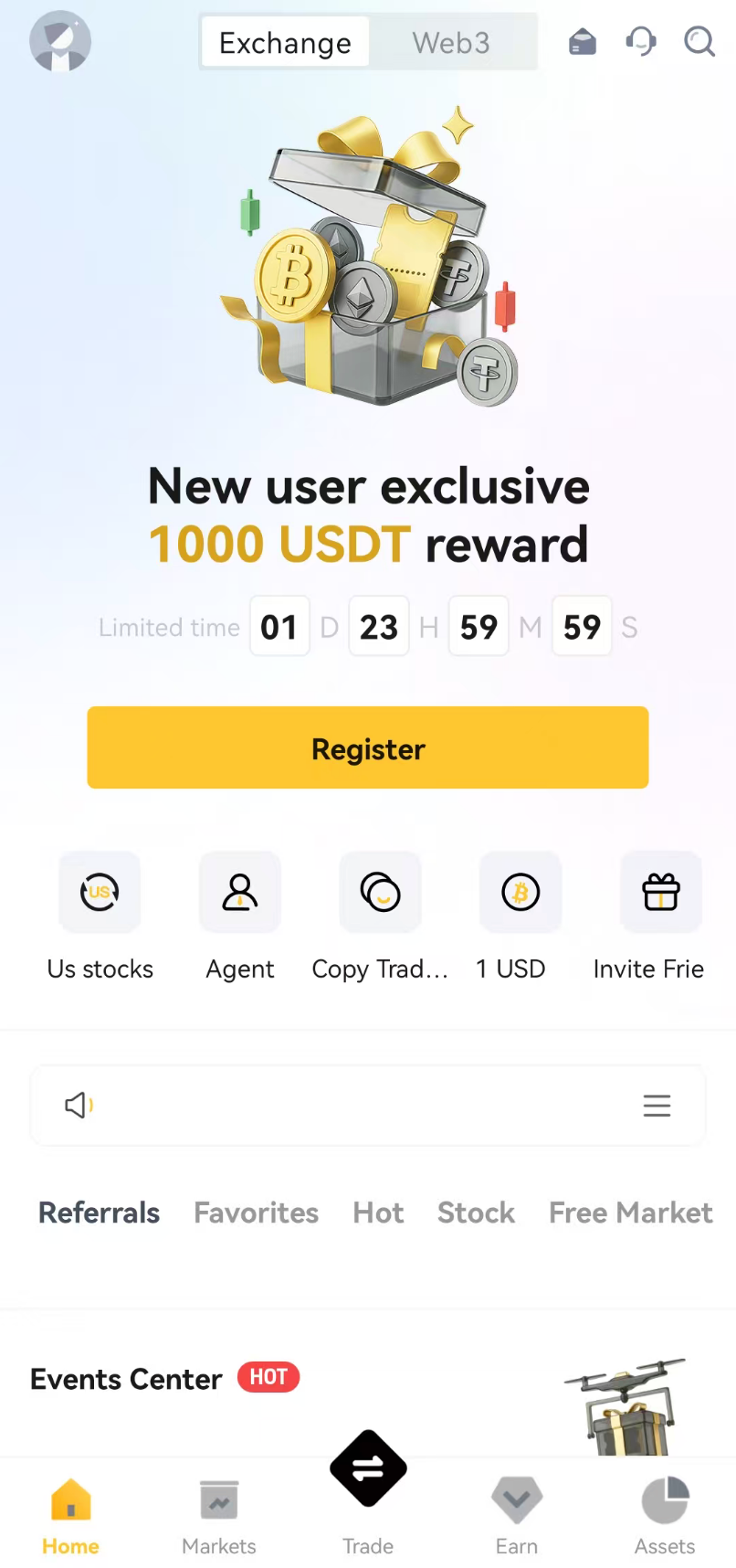
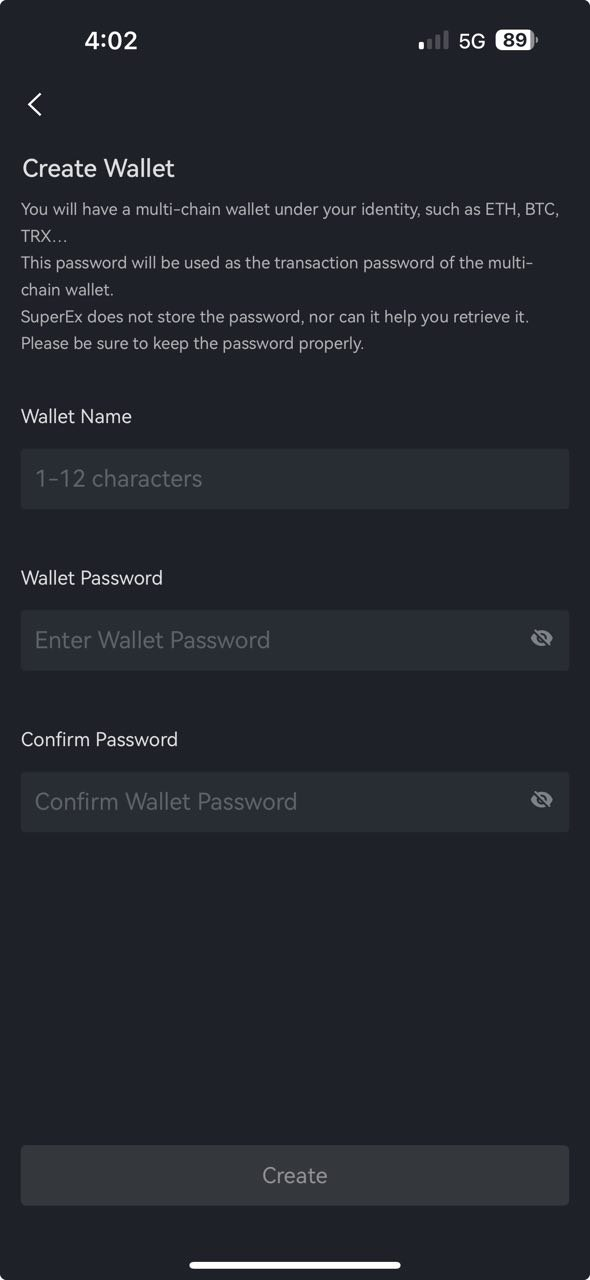
[1] Open the SuperEx App, switch to the Web3 Wallet, and select “Create Wallet.”[2] Set up your password.[3] Back up your mnemonic phrase.
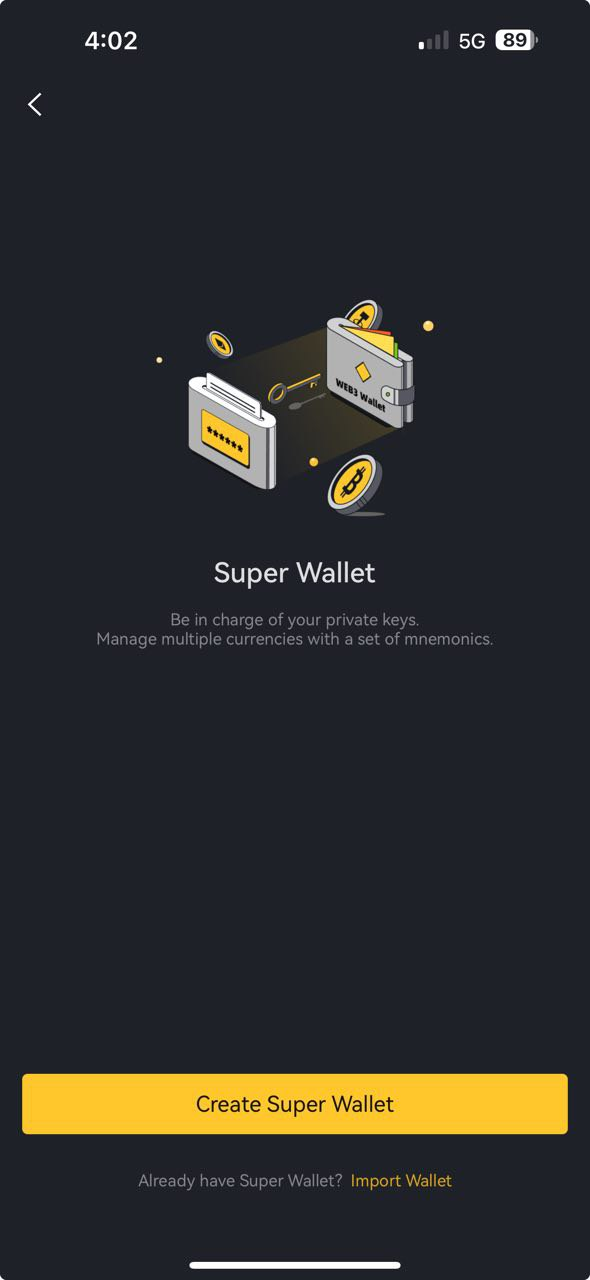
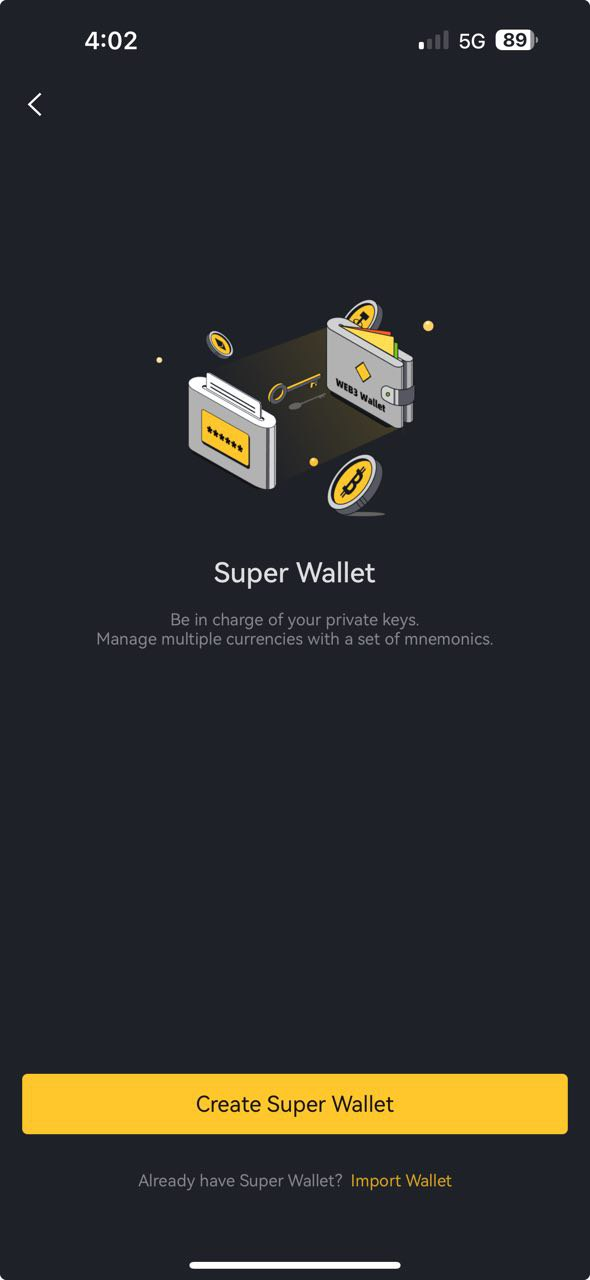
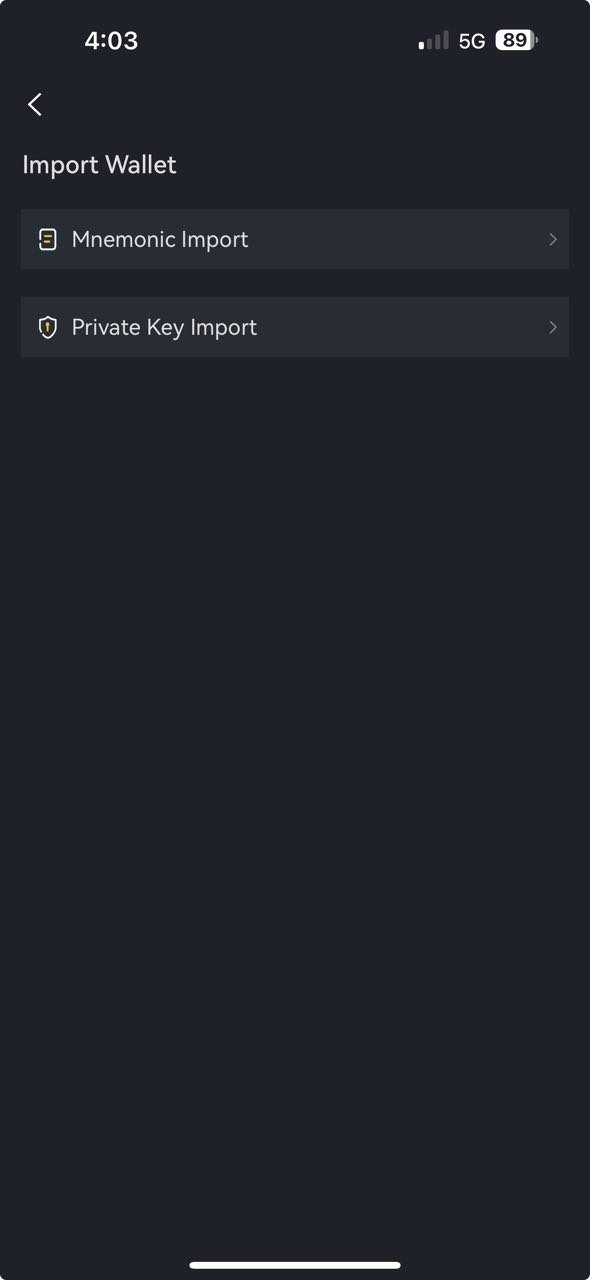
If you already have a wallet, you can directly import your mnemonic phrase or private key into the Super Web3 Wallet for seamless asset management and a smooth multi-chain experience.[1] Click “Import Wallet.”[2] Select “Import Mnemonic Phrase” or “Import Private Key.”[3] Set up a password and complete the import.
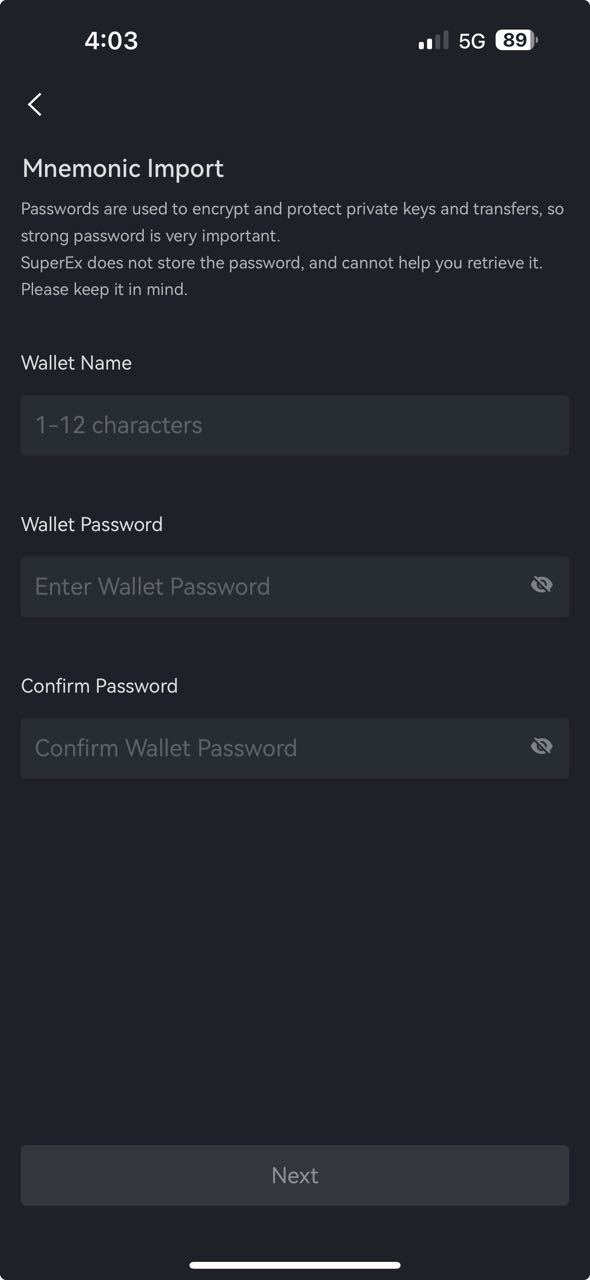
Note:Be sure to keep your password and mnemonic phrase safe. We do not store your password or mnemonic phrase, and if you lose them, we will not be able to recover them, which may result in asset loss.
3. How to View and Back Up Your Mnemonic Phrase or Private Key
Open the Super Web3 Wallet, go to Web3 Wallet > Wallet Management (top right corner). The wallet currently supports backing up the mnemonic phrase or private key.
- If backing up a mnemonic phrase: The Super Web3 Wallet adopts a system where one mnemonic phrase corresponds to one wallet (including all derived wallets generated under that wallet). This means that with this mnemonic phrase, you can manage crypto assets on over 70 public chains.
- If backing up a private key: Note that different public chains may have different corresponding private keys.
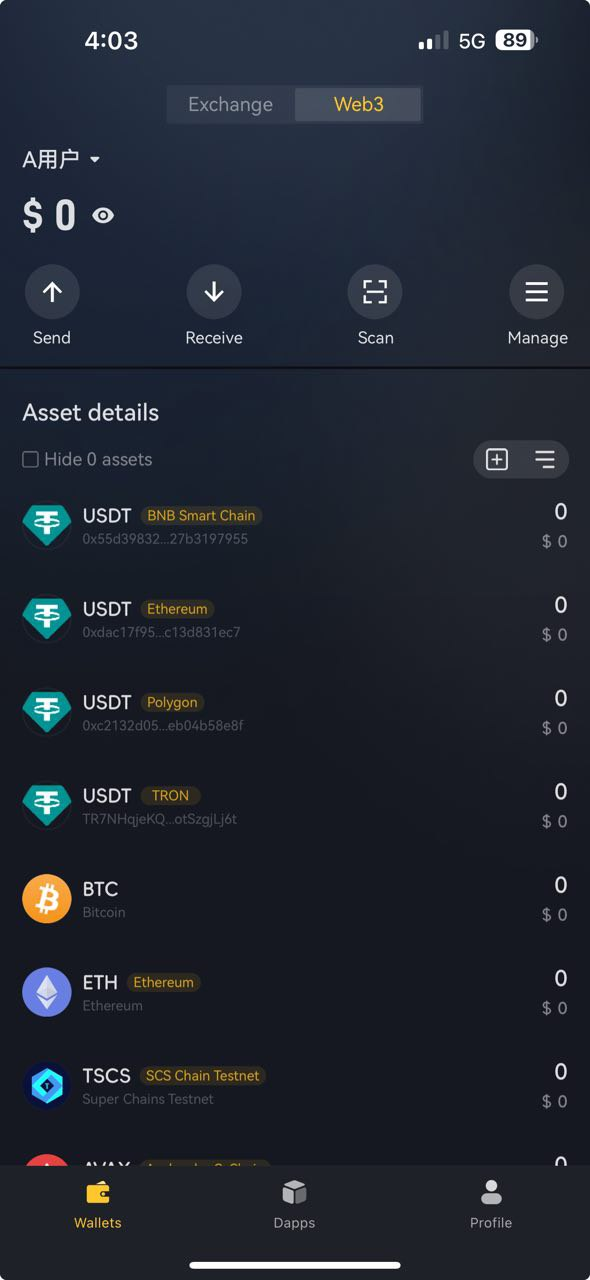
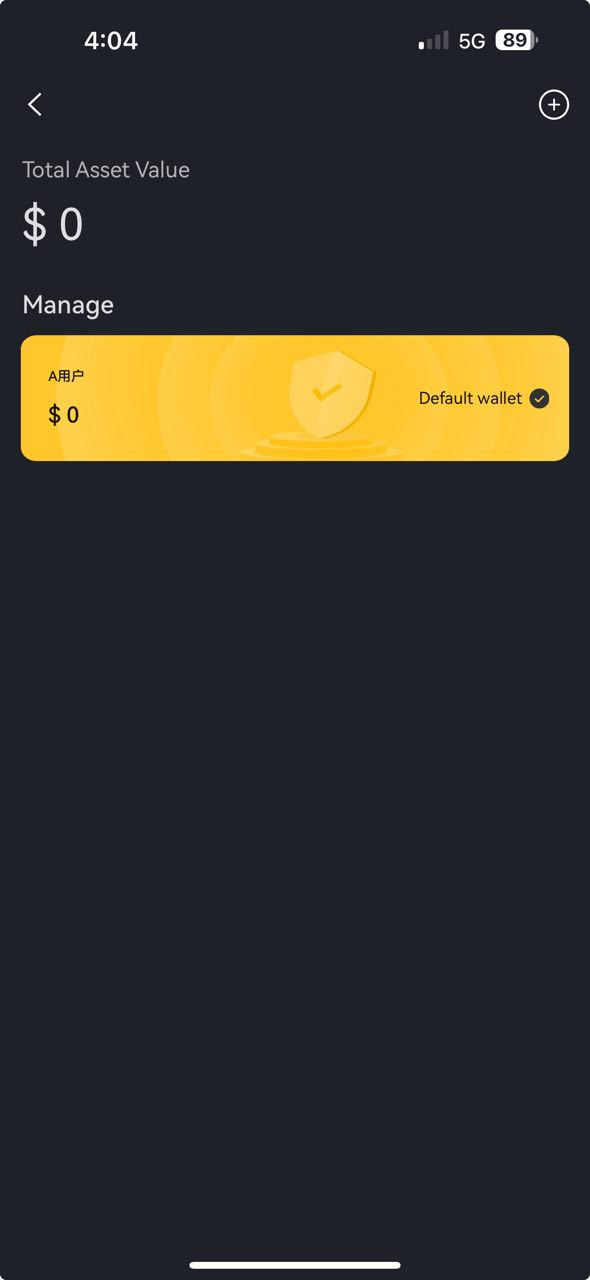
4. How to Create a New Account
Go to Wallet Management > + Add Account to create a new account. For example, sub-accounts under Wallet A share the same mnemonic phrase and are commonly referred to as derived wallets.
Wallets and accounts also support renaming. Click ▼ > Wallet Management > Edit Wallet to rename.Note: Currently, it is not possible to remove an already created account. If you wish to remove it, you need to delete the entire wallet from the device and then re-import it using the mnemonic phrase.If a wallet is imported using a private key, adding new accounts is not supported.
5. How to Discover DApps?
The Super Web3 Wallet provides a DApp Discovery feature, aggregating a vast range of DApp interfaces. Users can search for DApps through the search bar or browse the Social, GameFi, DeFi Market, and Tools rankings, filtering by chain. Clicking on a DApp will take you directly to its page.
To use a specific DApp, simply connect your wallet. Frequently used DApps can be added to Favorites by clicking the ♡ icon for easy access.