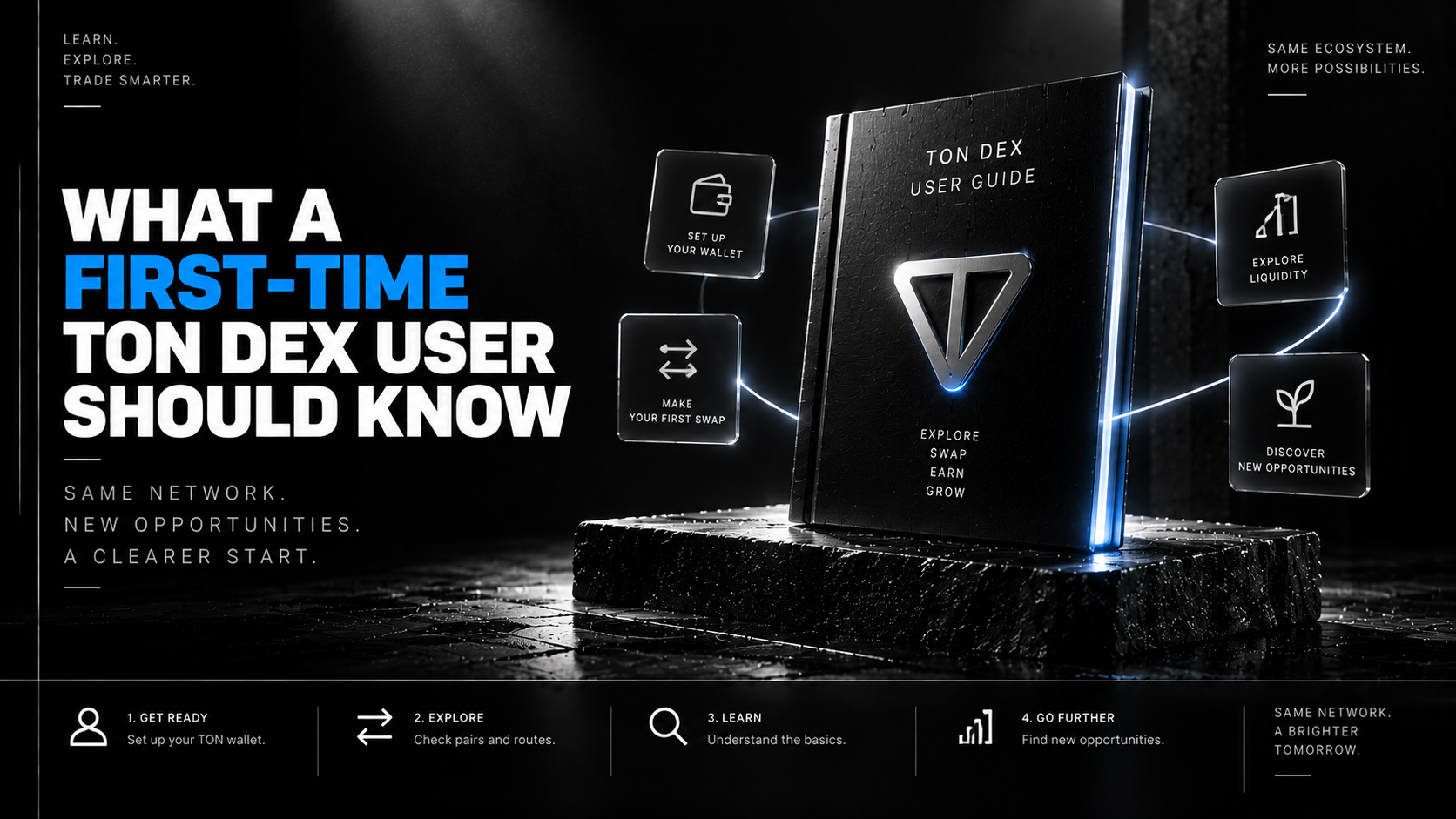
What a First-Time TON DEX User Should Know Every DEX looks the same from a distance — two input fields and a swap button. The parts that actually trip up a first-timer are the ones no button
What a First-Time TON DEX User Should Know
Every DEX looks the same from a distance — two input fields and a swap button. The parts that actually trip up a first-timer are the ones no button explains, and STON.fi is as good a place as any to walk through them properly, once, before you need them.
Opening a TON DEX for the first time feels deceptively simple. Connect a wallet, pick two tokens, hit swap — the interface doesn't look meaningfully different from a currency converter. What it doesn't show you upfront is the handful of small, TON-specific habits that separate someone who trades comfortably from someone who gets a confusing error message on their very first attempt. None of it is complicated once you've seen it explained. Almost none of it is explained before you need it, which is exactly the gap this is for.
💭 I've watched more than one smart, technically capable person get stuck on their first TON swap for a reason that had nothing to do with the trade itself — an empty gas reserve, a wallet on the wrong network, a slippage setting left on a default that didn't fit the pair. None of it was hard. It just wasn't obvious.
🧭 Orientation: What You're Actually Looking At
Before touching anything, it helps to know what STON.fi actually is functionally: a non-custodial decentralized exchange on TON, meaning your assets never leave your own wallet's control — the platform routes and executes trades you sign yourself, rather than holding a balance on your behalf the way a centralized exchange would. Underneath the interface, STON.fi routes swaps through Omniston, which compares its own pools against other liquidity sources for every trade rather than pricing everything against a single pool.
Practically, that means the number you see quoted already reflects some amount of comparison happening behind the scenes — you're not meant to manually shop around before every trade the way you might on a less aggregated platform.
💳 Your Wallet Isn't a Login — It's the Whole Trust Model
Connecting a wallet on TON, usually via TON Connect, feels similar to logging into any app. It isn't the same thing, and treating it as "just an account" is the first habit worth unlearning. Your wallet is a smart contract that only ever acts on instructions you personally sign — connecting it doesn't hand STON.fi any ability to move your funds on its own. Every actual action, a swap included, requires a fresh signature from you, checked against your wallet's own stored key each time.

A few concrete habits that follow from this:
- Double-check you're connecting through the actual STON.fi app, not a lookalike link — since your wallet will faithfully sign whatever it's asked to, regardless of whether the request came from a legitimate source.
- Treat a signature prompt as something to actually read, not a formality to tap through — it's the one moment your explicit approval is doing real work.
- Keep your seed phrase somewhere durable and private; there's no account recovery flow standing behind a self-custodial wallet the way there is behind a traditional login.
⛽ The Detail That Trips Up Almost Everyone Once: Gas Reserve
This is the single most common first-timer mistake, and it's almost never explained anywhere obvious. Every action on TON — including a swap — costs a small network fee paid in TON's native coin. If your wallet holds only the token you're trying to swap, with nothing left over for that fee, the transaction simply can't go through.
⚠️ Quick fix: keep a small buffer of TON's native coin in your wallet at all times, even if most of your holdings are in other jettons or stablecoins. It doesn't need to be much — just enough to cover a handful of transactions — but forgetting this entirely is the most avoidable stumbling block for a first swap.
🎯 The Number on Screen Isn't a Fixed Price — Understanding Slippage
Coming from a world of fixed-price listings, it's natural to treat a quoted swap rate as a guarantee. On an AMM-based DEX, it isn't quite that. Between confirming a swap and it actually settling on-chain, the pool's price can shift slightly — other trades don't pause for yours. Slippage tolerance is the setting that decides how much movement you're willing to accept before the transaction reverts instead of executing at a worse price than you approved.
A tight tolerance suits a deep, stable, high-volume pair. A more volatile or thinly traded pair usually needs a bit more room, or transactions fail more often than they should.
🔍 Before You Trade a New Token: Look at the Contract, Not Just the Name
Anyone can create a jetton on TON with any name and symbol they like — a token calling itself "USDT" or mimicking a well-known project's branding doesn't automatically mean it's the genuine asset. This is a habit worth building before you need it, not after clicking through a swap you regret.

- Verify a jetton's actual contract address against an official source before trading it, rather than trusting the displayed name and logo alone.
- Be especially cautious with tokens that appear suddenly with a familiar-sounding name — this is a common pattern for scam tokens riding on a legitimate project's reputation.
- If something looks slightly off, it's worth pausing rather than proceeding — there's no support desk that can reverse a completed swap into a fake contract.
Perhaps the biggest adjustment for anyone coming from traditional finance or centralized exchanges: there's no customer support team who can reverse a mistake. Send funds to the wrong address, confirm a swap you didn't mean to, approve a malicious contract — these outcomes are final in a way that a mistaken bank transfer or a disputed card charge simply isn't.
💭 This isn't meant to sound alarming — it's meant to sound like what it actually is: the same trade-off self-custody always makes. Nobody can freeze your funds either. Both halves of that sentence are true at the same time, and a first-time user benefits from internalizing both before their first trade, not just the reassuring half.
The practical response isn't paranoia — it's a slightly slower first few trades. Read the confirmation screen. Double-check the destination token. Start with a small amount if you're trying something — a new pair, a new pool, a first cross-chain swap — for the first time.
✅ A Short Checklist Before Your First Swap
- Is there enough native TON in the wallet to cover gas, separate from whatever you're trying to trade?
- Have you actually reviewed the quote — output amount, fees, slippage — rather than just glancing at a headline number?
- If trading a less familiar token, have you checked the contract address against an official source?
- Is your slippage tolerance set sensibly for the specific pair you're trading, not left on an untouched default?
- Are you starting with an amount you're comfortable being deliberate and slow about, rather than your full intended position?
🚀 Where This Leaves You
None of this is meant to make a first STON.fi swap sound intimidating — the actual mechanics are simple, and the platform is built to be non-custodial and transparent by design. The friction, when it shows up, almost always traces back to one of the habits above: an empty gas reserve, an unreviewed quote, an unverified contract, or simply moving faster than the "no undo button" reality of on-chain trading actually calls for. Build those habits once, deliberately, and every trade after the first stops requiring conscious thought about them at all.
❓ Frequently Asked Questions
Why did my first swap attempt fail immediately?The most common first-timer cause is an empty gas reserve — having none of TON's native coin left to pay the network fee, even if you hold plenty of the token you're trying to swap.
Is connecting my wallet to STON.fi the same as giving it access to my funds?No. Connecting only establishes which wallet you're using; it doesn't authorize any transfer on its own. Every actual action, including a swap, requires a separate signature from you at the moment you confirm it.
How do I know if a token I'm about to trade is legitimate?Check the token's actual contract address against an official source rather than trusting its displayed name or logo — anyone can create a jetton with any name, including ones designed to look like well-known assets.
What slippage tolerance should a first-time user set?There's no single correct number — it depends on the pair. A deep, stable, frequently traded pair tolerates a tighter setting; a newer or thinly traded pair often needs more room to avoid failed transactions from ordinary price movement.
📚 Sources and Further Reading
- How TON Wallets Work — The signature and ownership model behind every wallet action
- TON Connect Documentation — How wallet connection actually works before any signing occurs
- Omniston Protocol Overview — How STON.fi sources and compares liquidity behind a single quote